Change resolution from the menu bar.
VibeRes is a modern menu bar resolution switcher for macOS. See every connected display, preview a size before you pick it, and save your desk setups as profiles.
brew install --cask m-moravcik/viberes/viberes-app
Free and open source. Requires macOS 26 Tahoe or later.
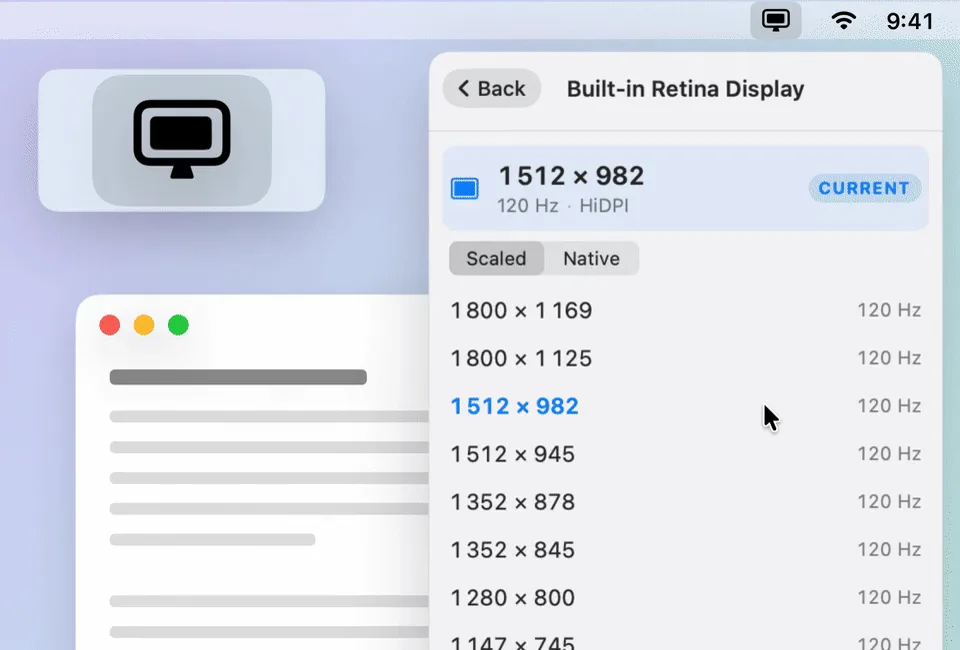
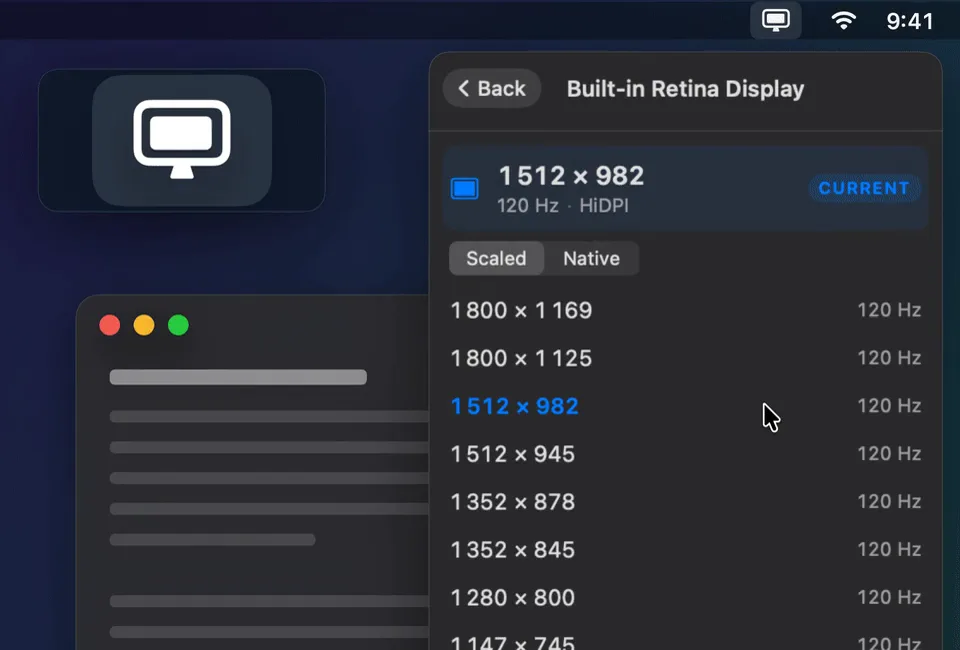
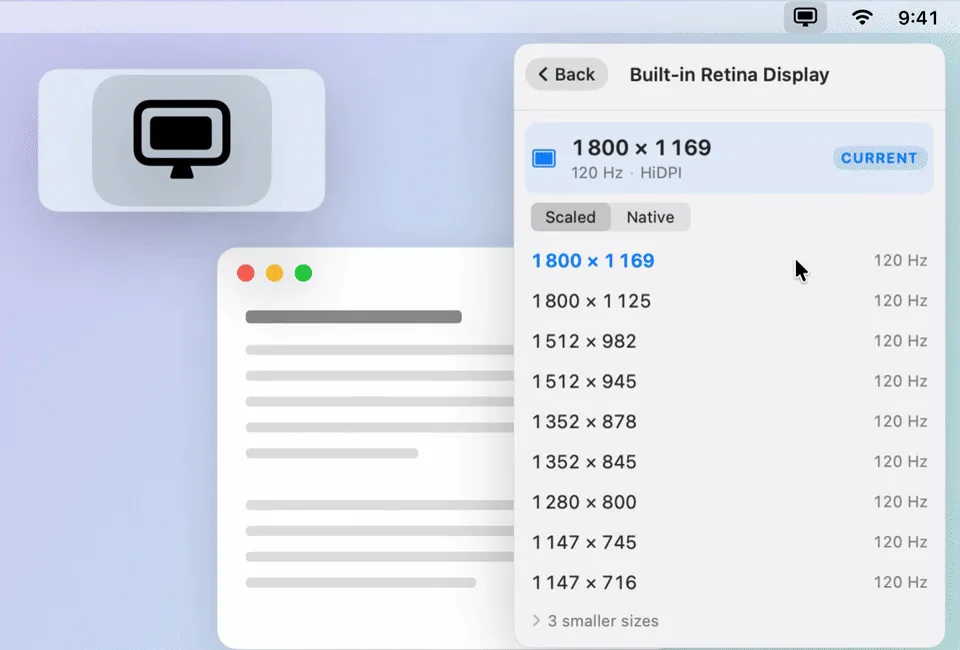
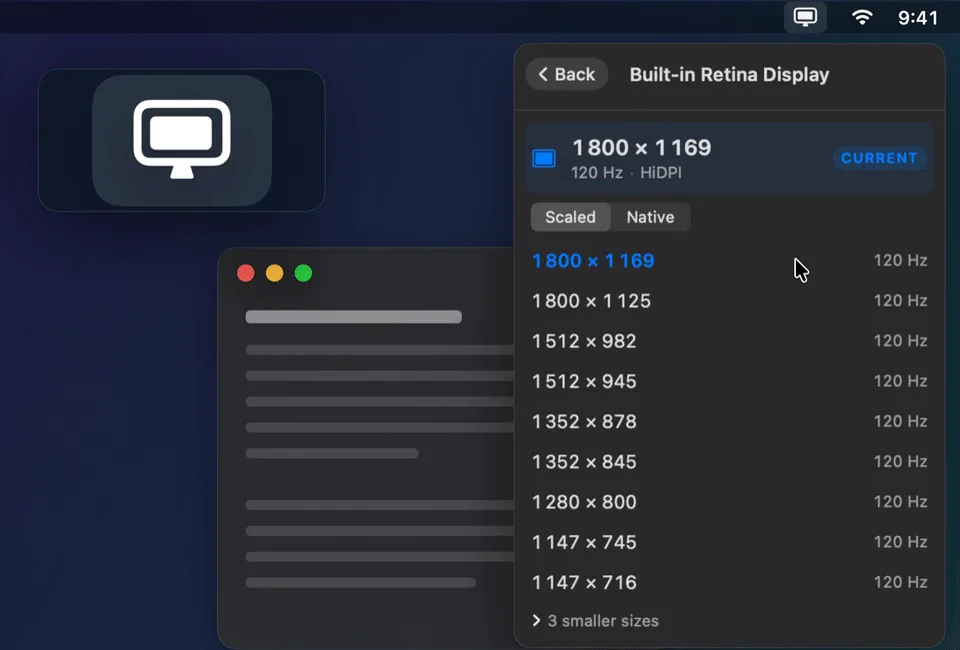
A demo desktop with VibeRes open on the built-in display's sizes. The pointer moves up the list with the hover preview of each size, clicks 1800 × 1169, the screen goes dark for a moment and comes back with more room, while the menu bar icon plays its switch animation, shown enlarged in a loupe at the top left. Then it switches back to 1512 × 982.
Profiles remember your whole desk.
A profile is every display at its saved size, under one name. Switch with one click, or with ⌘1 to ⌘9 while the menu is open.
- At the desk or on the road
- Lock a profile to a specific monitor, or let it match any external monitor, so a Presentation profile works with whatever projector the room has.
- Plug in, done
- When a monitor connects or disconnects, the profile that exactly matches your displays applies itself.
- The menu bar where you want it
- A profile can choose which display becomes main. For a one-off change, Make main display moves the menu bar there.
- Never stranded
- Revert (⌘Z) undoes the last change, one display or a whole profile. With Confirm resolution changes on, a change undoes itself after 12 seconds unless you keep it.
Script it, or ask Siri.
The viberes command runs the same code as the app, with the same profiles. It exits 0 on full success, 2 when something fell back or was skipped, and 1 on an error, so it drops straight into shell scripts.
Set Display Resolution and Get Current Resolution appear in Shortcuts, Spotlight and Siri. Give a Shortcut a global hotkey, or run it from Stream Deck, BetterTouchTool or Loupedeck.
$ viberes set "Built-in" 1800x1169@120
$ viberes set LG 2560x1440-native
$ viberes profile save Code --only Built-in
$ viberes profile apply Presentation
# applied profile "Presentation"
  ✓ Built-in Retina Display → 1280×800 @60Hz
  ~ LG UltraFine: wanted 1920×1080 @60Hz,
    used 1920×1080 @60Hz (closest available)
About VibeRes
A modern menu bar resolution switcher for macOS.
- Requires
- macOS 26 Tahoe or later
- Runs on
- Apple silicon and Intel Macs, as one universal app built in SwiftUI
- Languages
- English, Slovak, Czech, German, Spanish and French
- Privacy
- No telemetry, no analytics, no account. The one request it makes by itself is the update check, and you can turn it off.
- Signing
- Developer ID signed, notarized and stapled
- License
- MIT. Inspired by EasyRes by Chris Miles.
Install in one line.
The menu bar app
brew install --cask m-moravcik/viberes/viberes-app
The command-line companion
brew install m-moravcik/viberes/viberes
Upgrade later with brew upgrade. The formula and cask live in m-moravcik/homebrew-viberes.
No Homebrew? Download VibeRes-*.zip from GitHub Releases and unzip it into /Applications. That copy updates itself.